Felt-tip marker mode
Let's draw a cartoon boombox
Treat this as one playful practice round: sketch the idea loosely, simplify the shapes, then commit with confident marker outlines and bright fills.
-
01
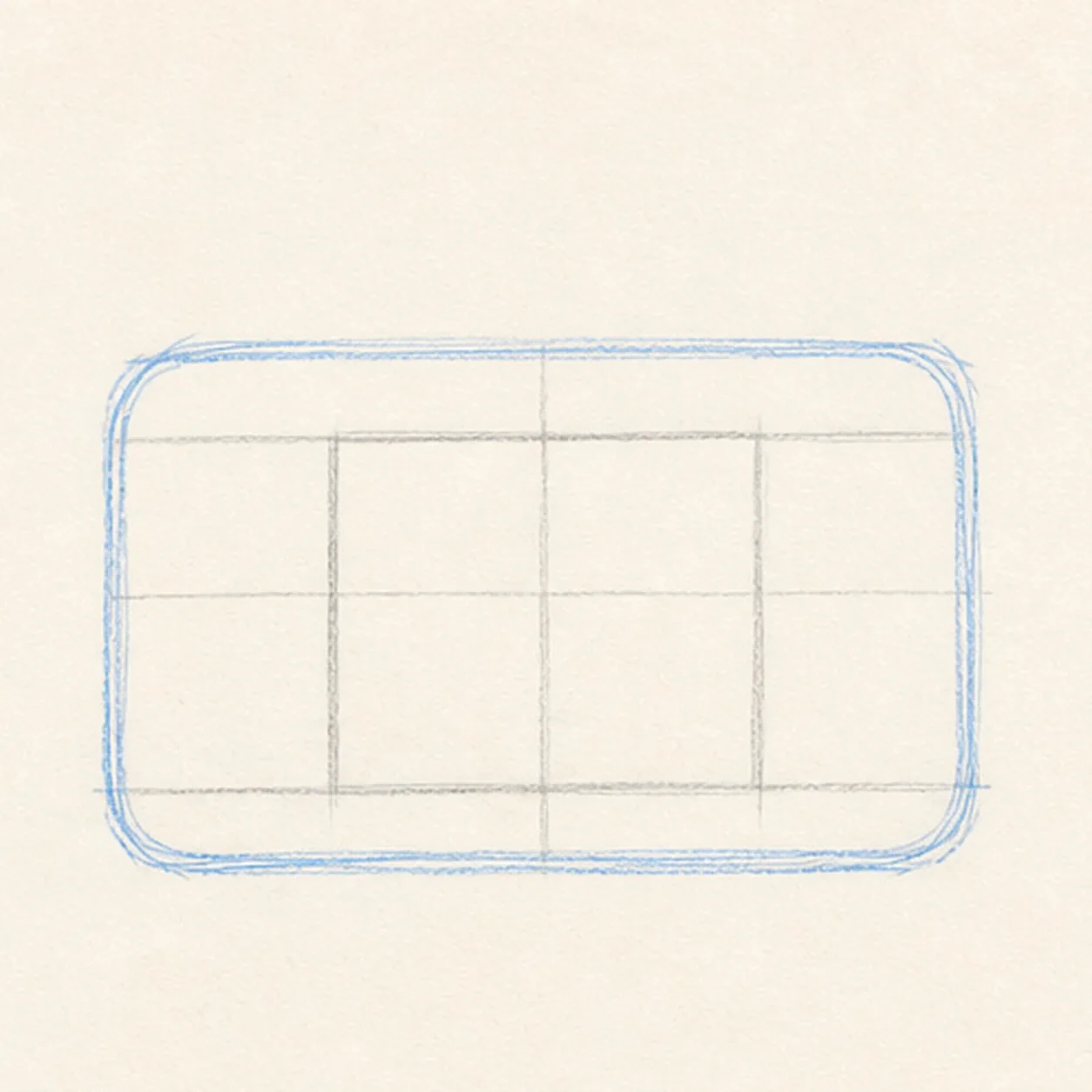
Block the radio body
Use a light construction pass to draw one squat rounded rectangle with a broad front panel.
Doodle tip: Ghost the long top and bottom edges before touching the marker down. Keeping those two edges parallel matters more than making either one perfectly straight.
-
02
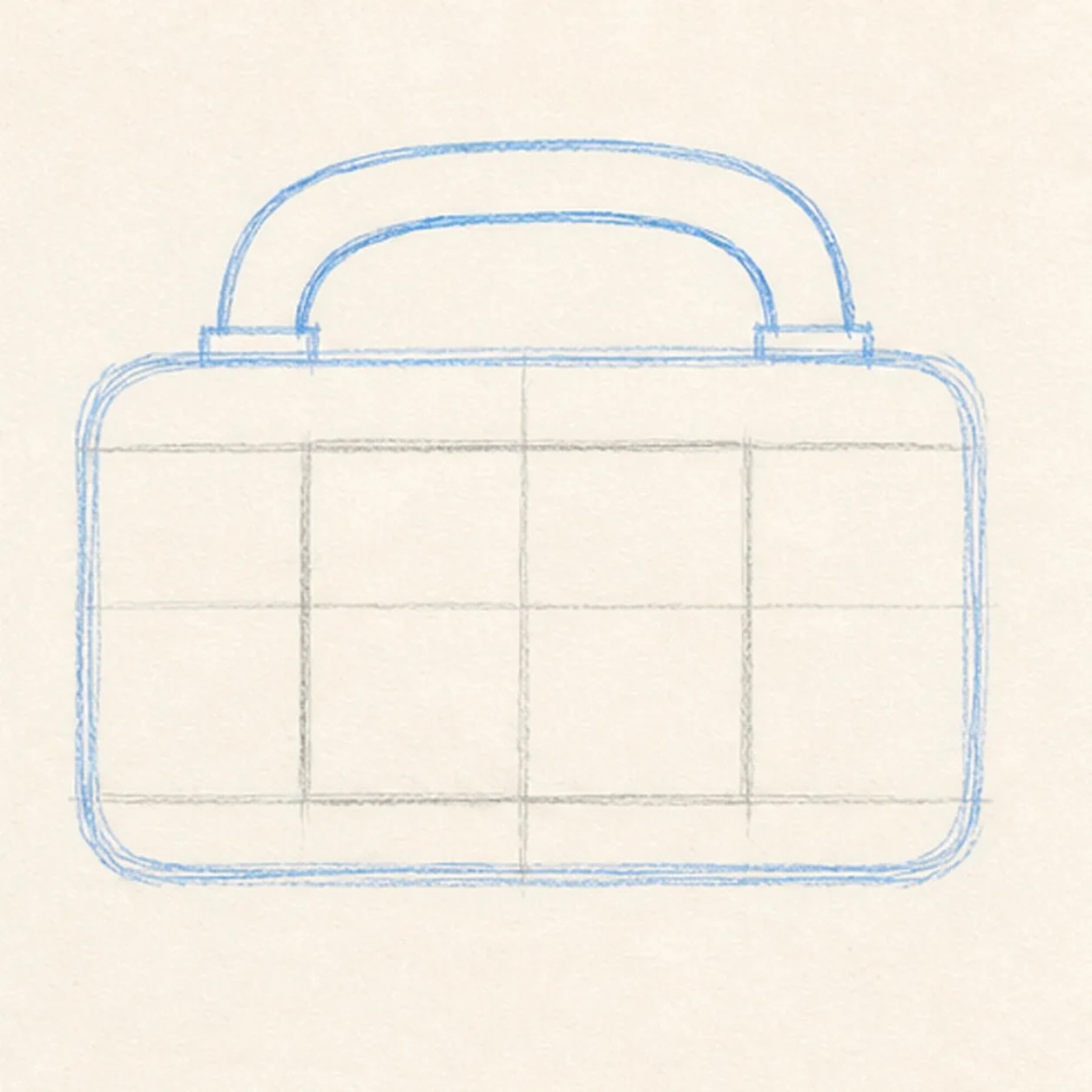
Arch the handle
Attach a thick upside-down U handle directly to the established top edge.
Doodle tip: Draw the outside curve first, then echo it inside with a little breathing room. Compare the two handle ends so they land at the same height.
-
03
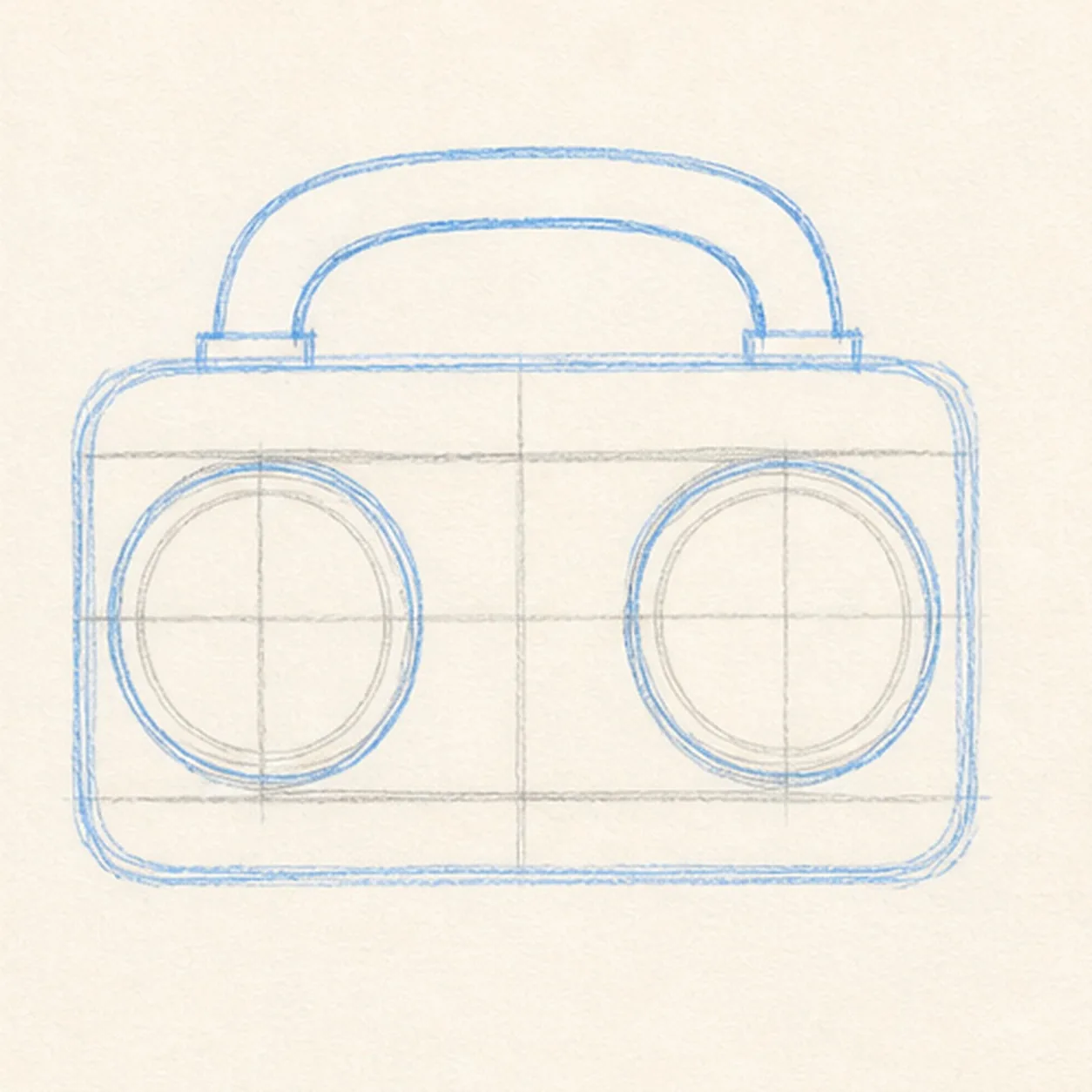
Set the speakers
Add two matching large speaker circles inside the existing front panel, leaving an open center strip between them.
Doodle tip: Lightly mark each circle's center before pulling the loops. Checking the empty center strip is a faster way to keep the pair balanced.
-
04
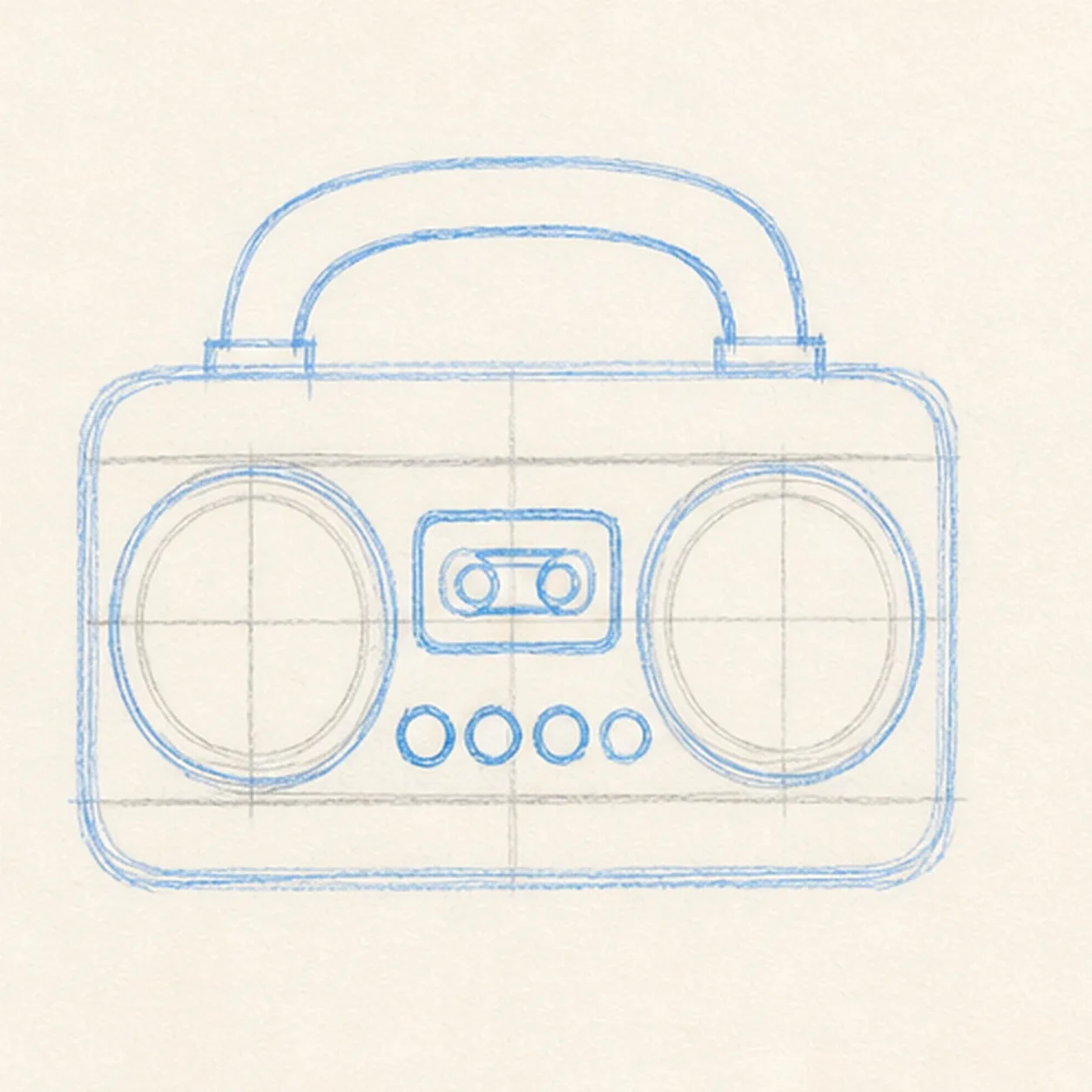
Add the controls
Draw the small cassette window and a row of four round controls in the established open center area.
Doodle tip: Keep every control simple and chunky. Rotate the paper for any circle that feels awkward rather than scratching at it with lots of tiny marks.
-
05
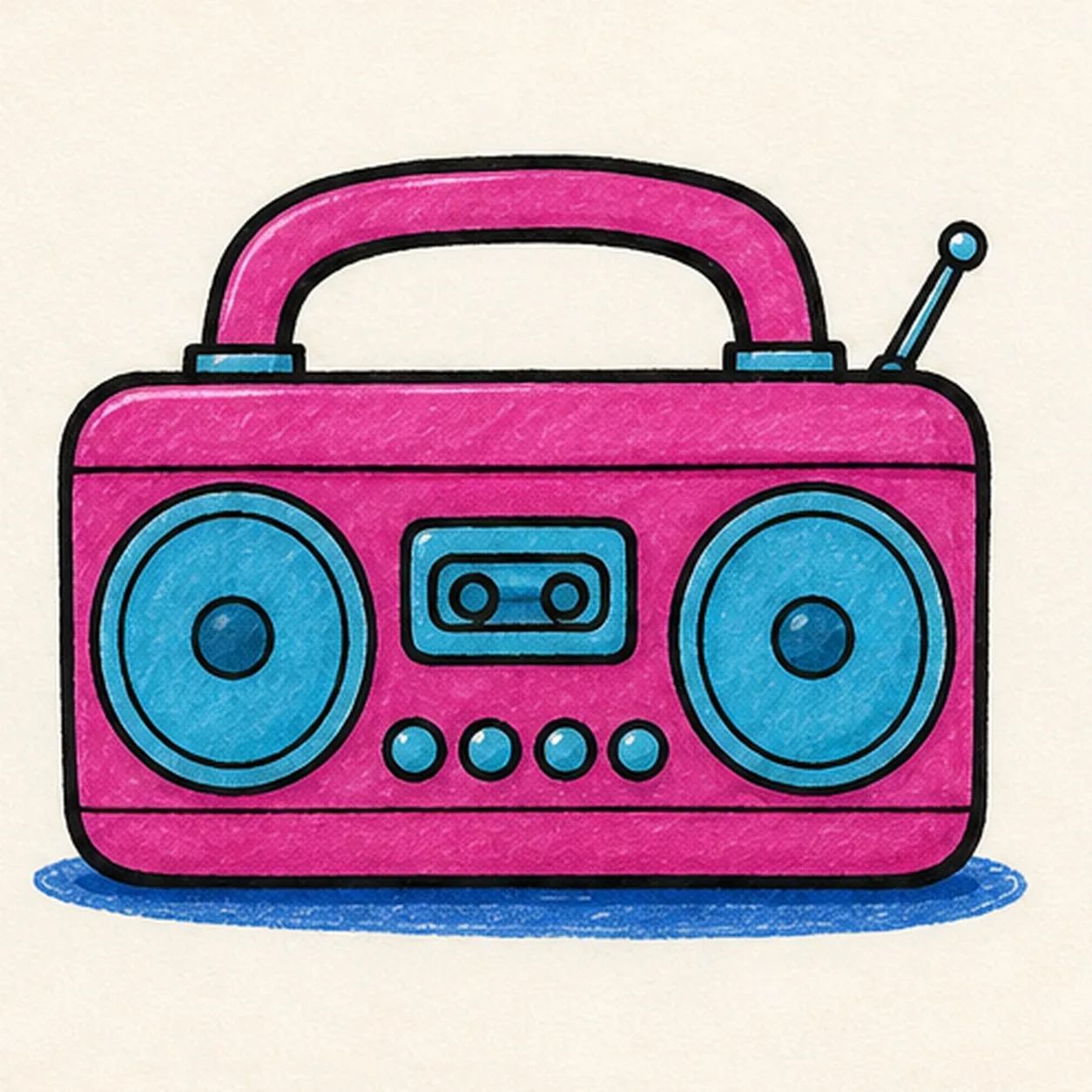
Ink and fill the beat
Add a short antenna and a small ground shadow, then trace the existing radio shapes in black and fill the body magenta, the speakers and controls cyan, and the shadow blue.
Doodle tip: Fill from each outline inward with strokes that follow the radio's broad direction. Let a little marker texture show instead of trying to make a flat digital block.
-
06
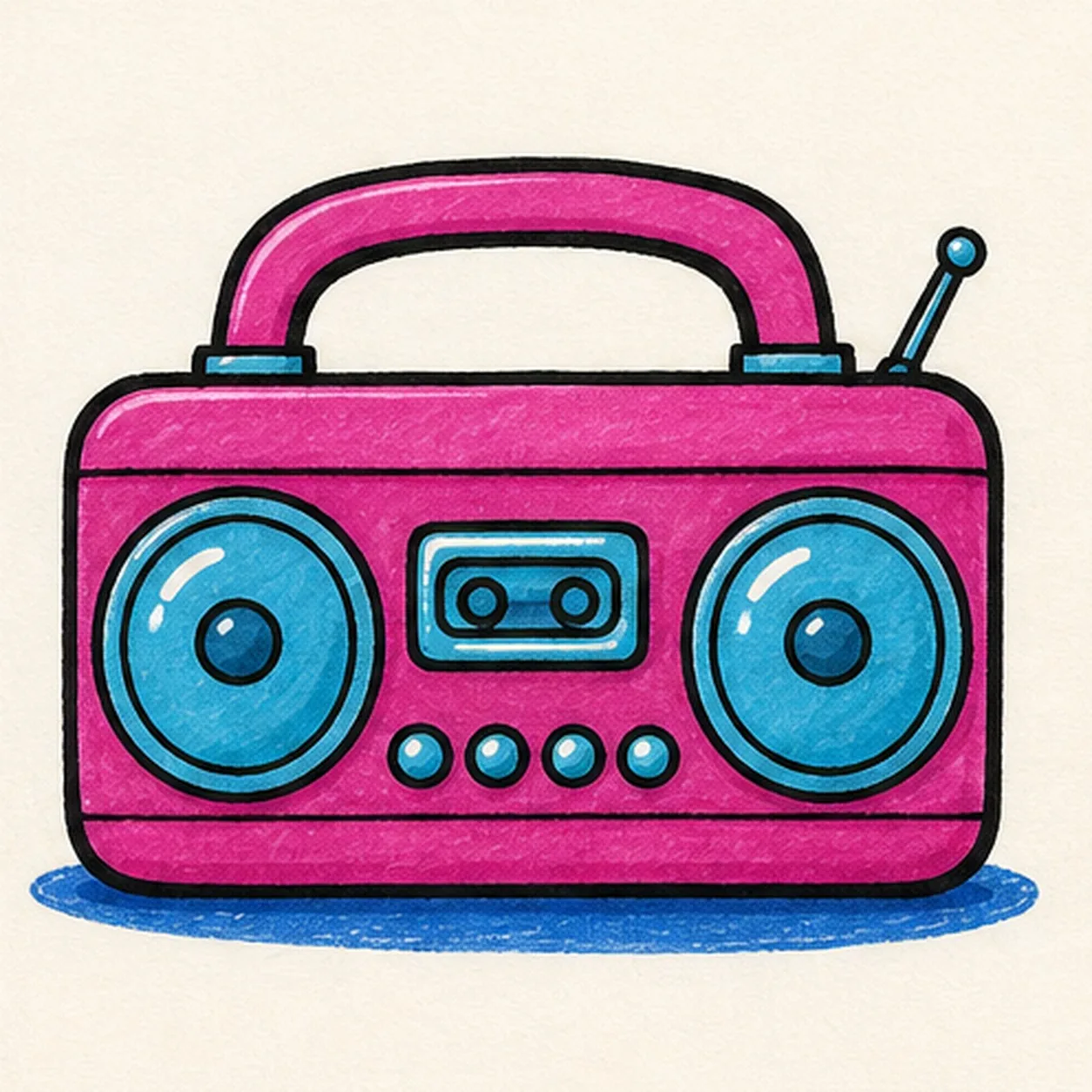
Make the boombox boom
Strengthen the existing black contours, tidy the magenta, cyan, and blue fills, and add tiny white highlights inside the already drawn speakers and controls.
Doodle tip: Stop before adding words, music notes, a logo, or a face. The handle, speaker pair, and cassette window already make the radio read instantly.