Felt-tip marker mode
Let's doodle a cartoon asteroid
Treat this as one playful practice round: sketch the idea loosely, simplify the shapes, then commit with confident marker outlines and bright fills.
-
01
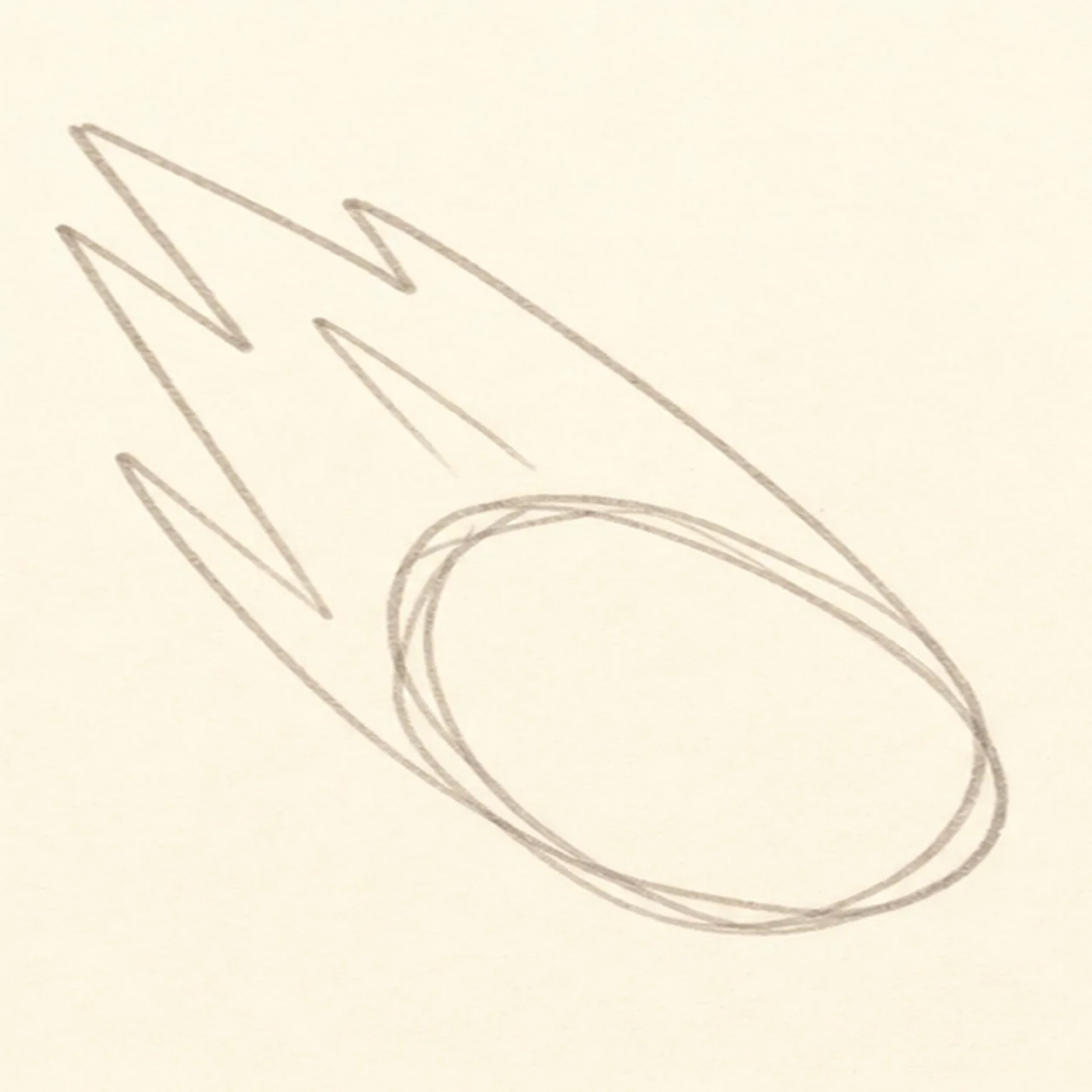
Aim the asteroid
Draw a tilted oval or bean shape for the asteroid body, then sketch simple flame guide lines behind it.
Doodle tip: Set the angle first. A diagonal pose makes the asteroid feel like it is streaking across the page.
-
02
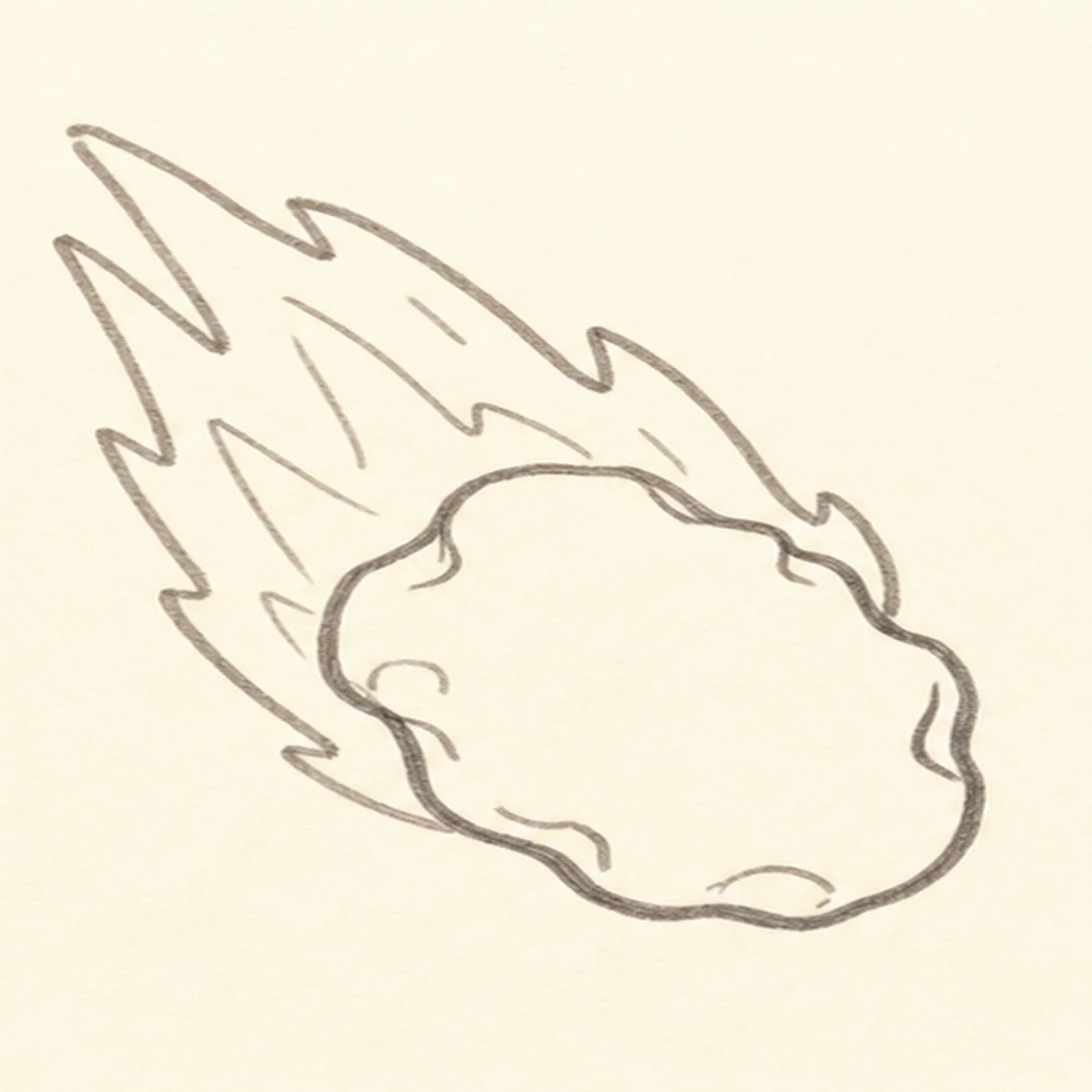
Bump out the rock
Turn the oval into a lumpy rock body and wrap a rough flame trail around the guide lines.
Doodle tip: Make the bumps uneven. A perfect potato shape will feel less like a space rock.
-
03
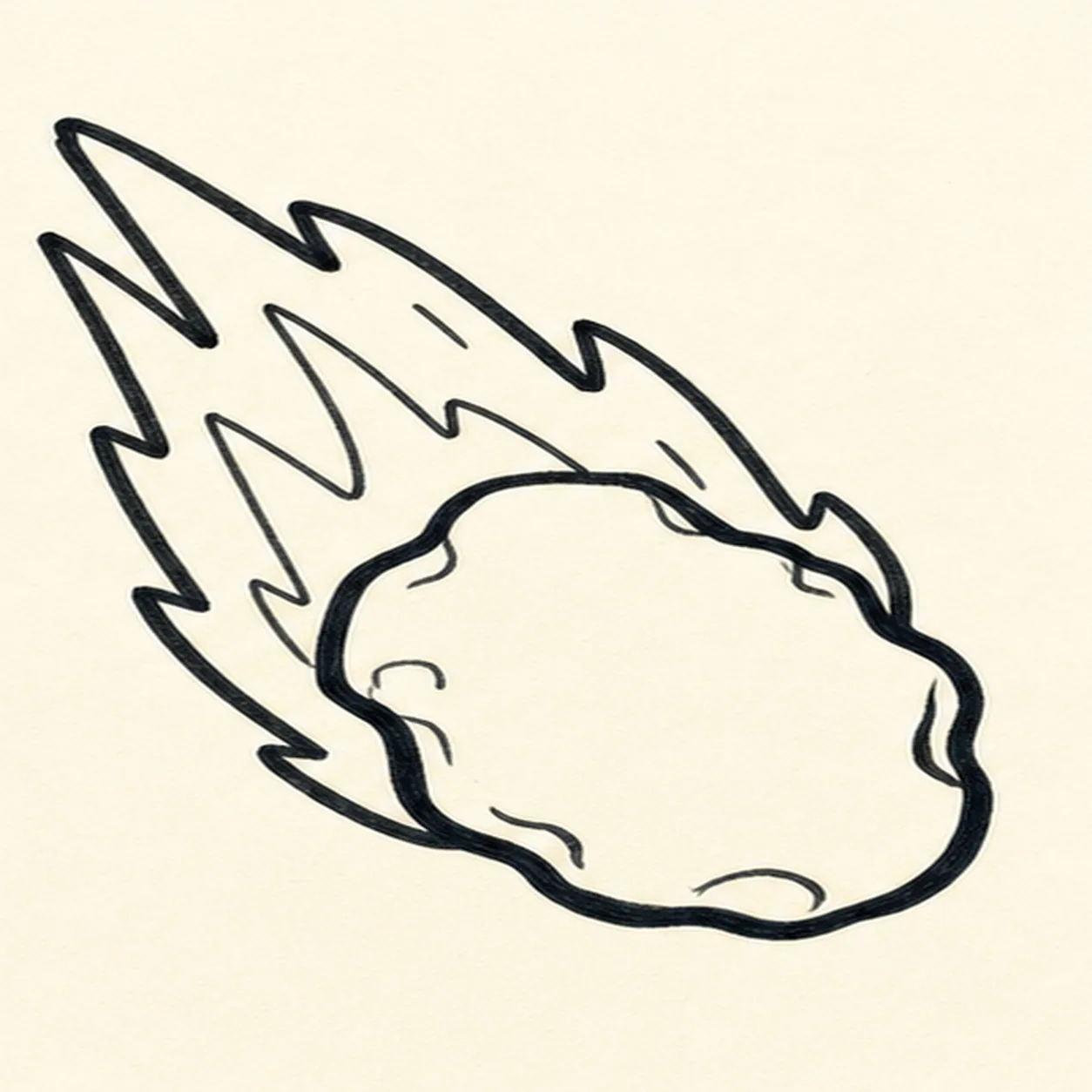
Ink the flight path
Trace the asteroid and flame trail with a thick black outline, keeping the same diagonal shape.
Doodle tip: Use one confident edge around the outside, then leave the inner flame lines a little lighter.
-
04
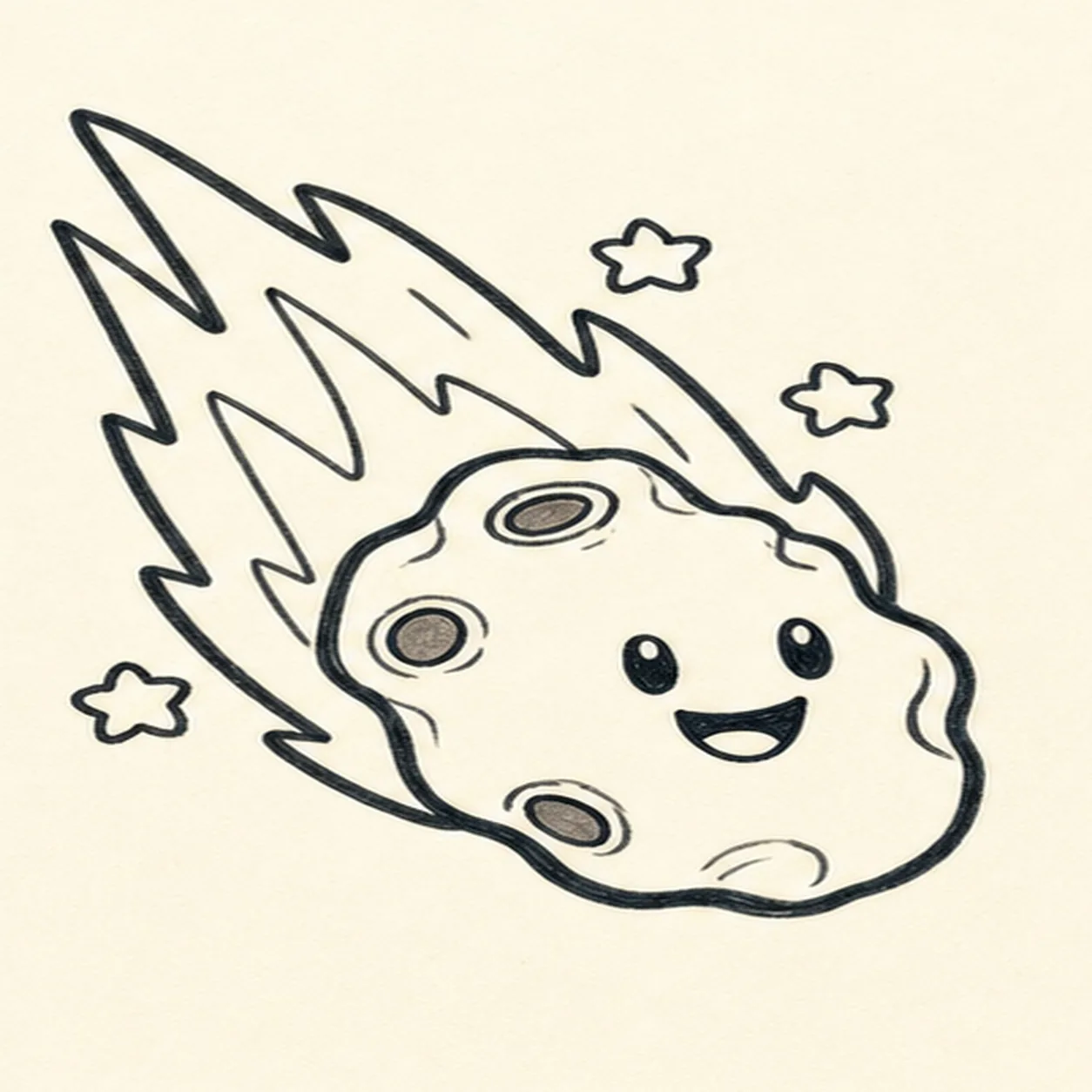
Add craters and a face
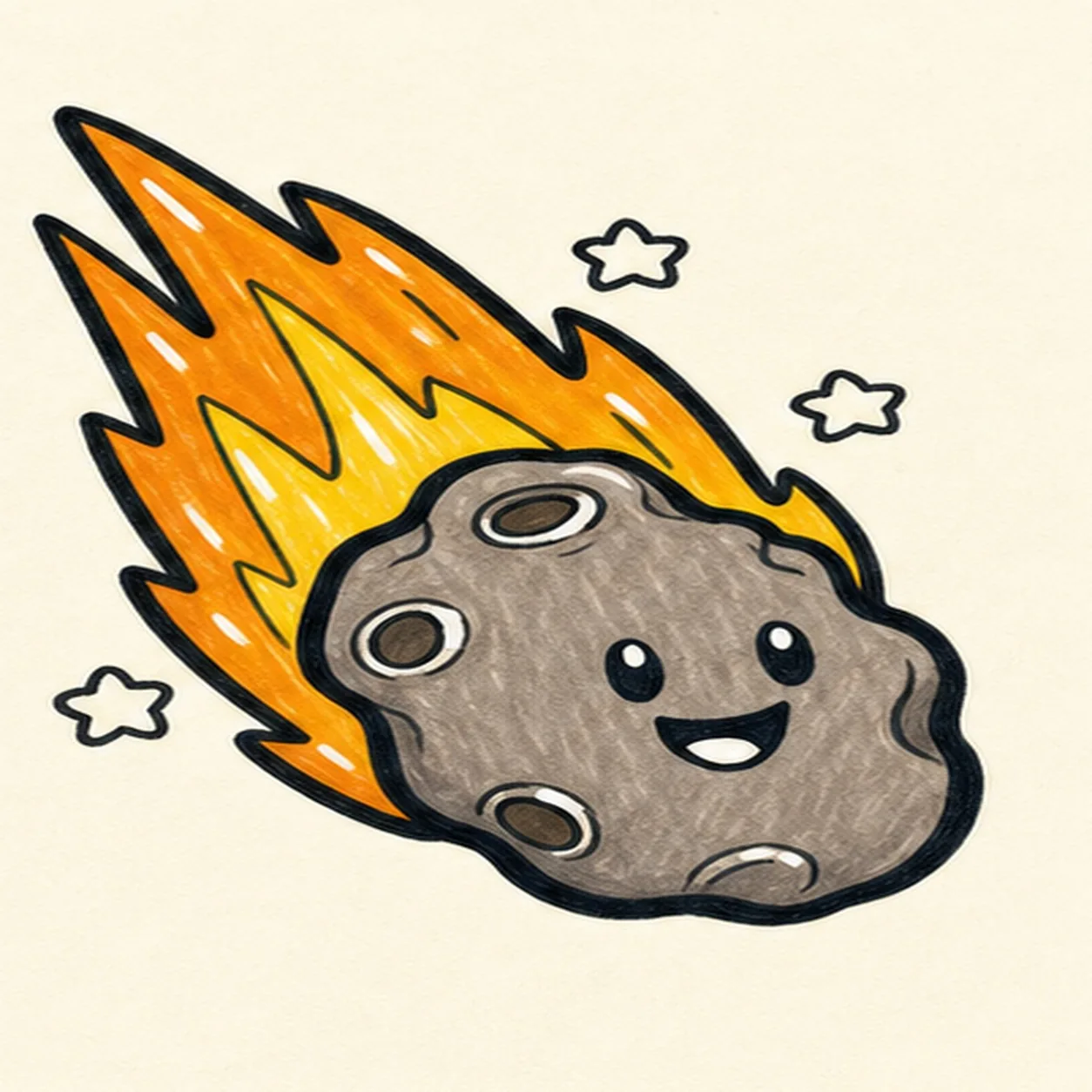
Draw three crater spots, two eyes, a smiling mouth, and a few small star puffs around the asteroid.
Doodle tip: Place the face on the front half of the rock so the flame still reads as the tail. Try a grin, wink, or surprised mouth if you want a different personality.
-
05
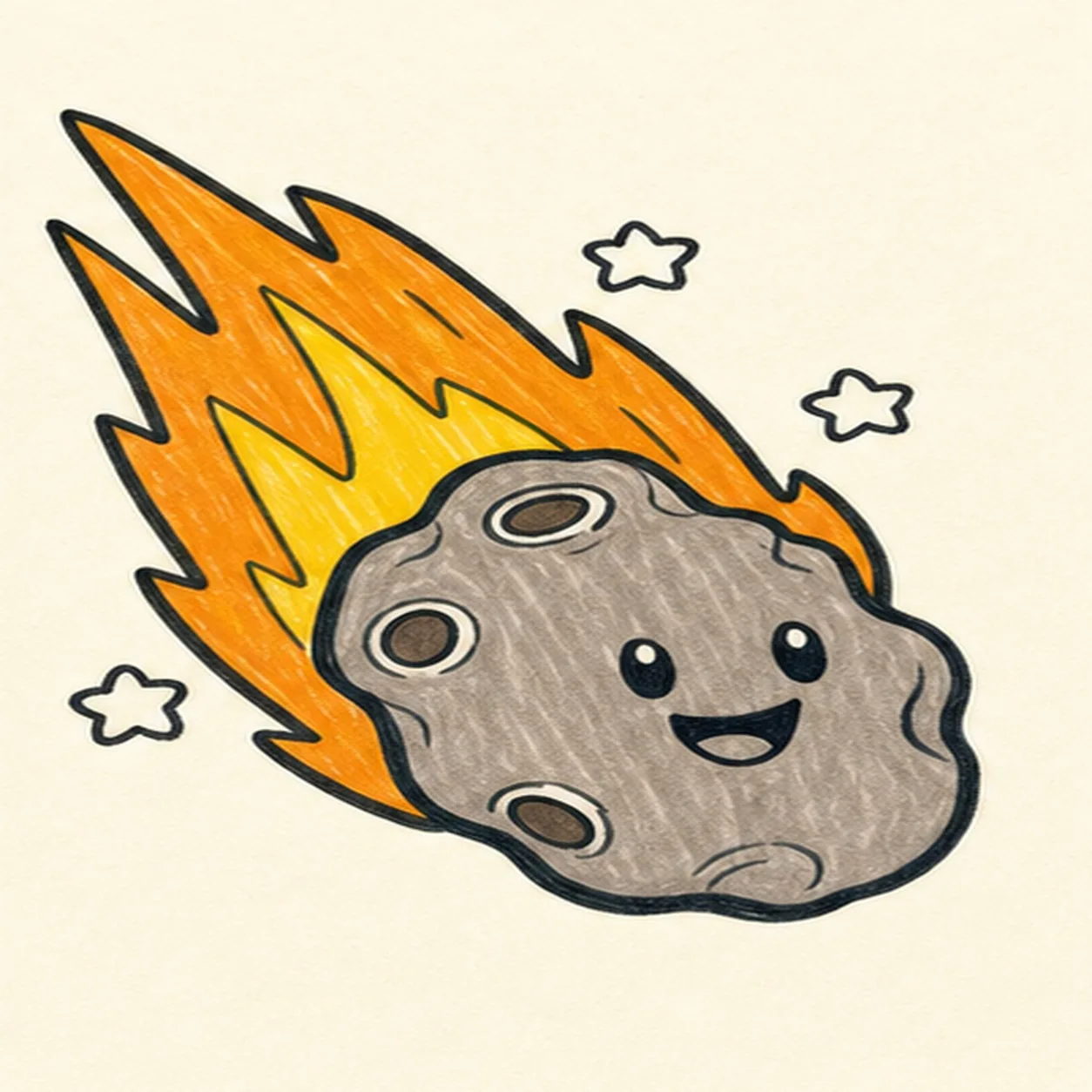
Fill the space colors
Fill the rock gray-brown, color the flame yellow and orange, and leave small white gaps for shine.
Doodle tip: Follow each shape with your marker strokes. Visible streaks make the doodle feel handmade.
-
06
Launch the final glow
Retrace the existing outlines, deepen the rock and flame colors, and sharpen the highlights on the craters, eyes, and flame shapes you already drew.
Doodle tip: Do not add extra planets or trails at the end. This last pass should make the asteroid brighter, not busier.